
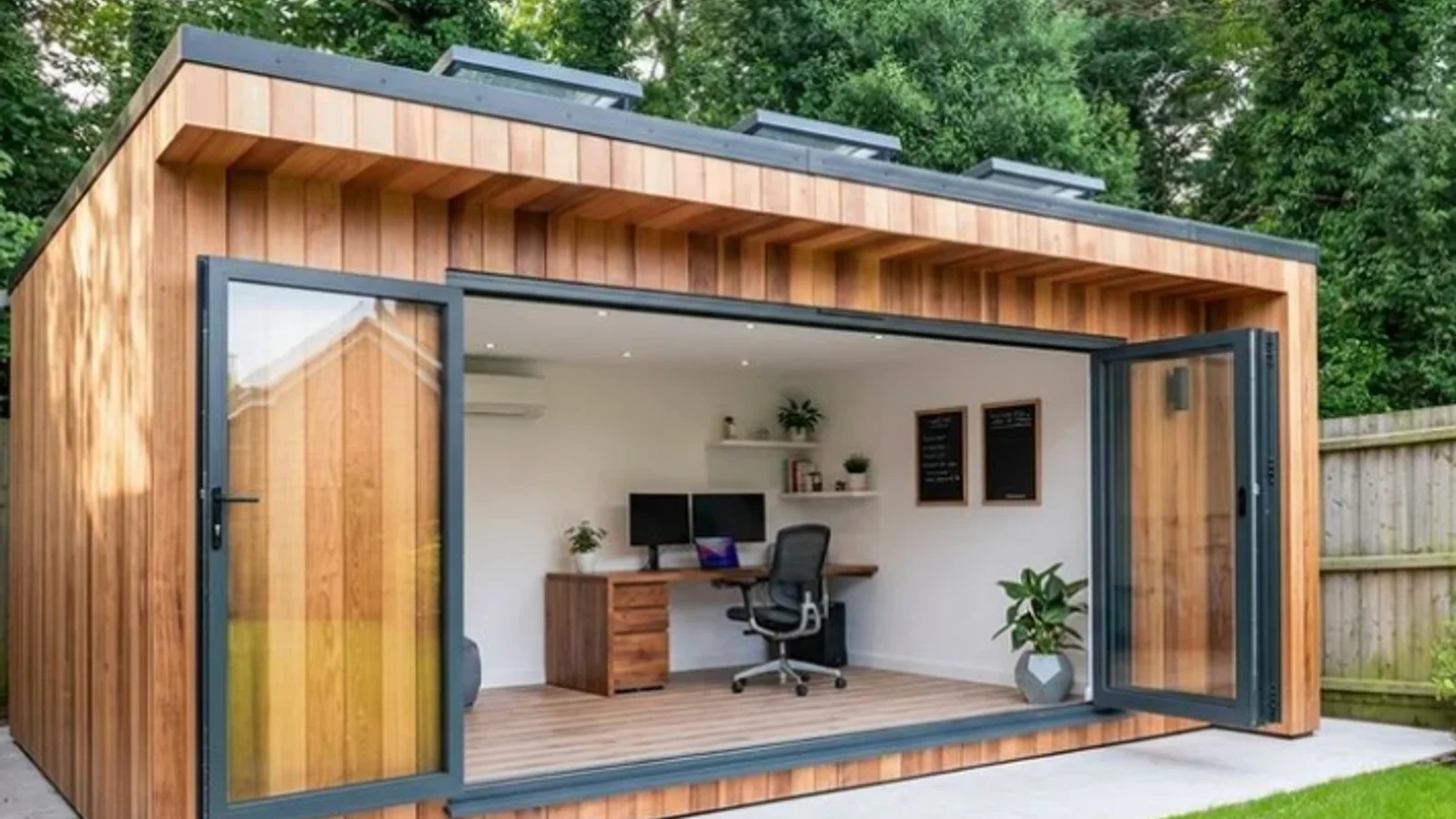
What makes a garden office actually usable
You know how frustrating it is to have a beautiful new workspace where the internet constantly drops during important client calls. With 28% of UK professionals now working hybrid schedules based on recent Office for National Statistics data, the cabin at the bottom of the garden must perform like a proper corporate space.
Getting your garden office broadband and power right from day one separates a highly productive sanctuary from a very expensive storage shed.
Our team sees this exact scenario play out every week. If the Wi-Fi falters, the power trips, or the acoustics make every meeting sound terrible, you will simply stop going out there.
Planning these details requires a close look at the foundational elements of garden offices. Let’s examine the hard data, explore the specific UK building regulations you need to meet, and walk through the practical decisions that make a workspace truly reliable.
Broadband: Cat cable beats Wi-Fi every time
For full-time work, the absolute safest internet choice is a hardwired connection running directly from your home router. We always recommend running an exterior-grade Cat6 or Cat7 data cable inside a protective 32mm conduit to ensure total reliability. This physical link easily supports gigabit speeds and eliminates the signal degradation caused by brick walls or thick foil insulation.
Your electrician will usually lay this conduit in a trench between 450mm and 600mm deep, often alongside your primary electrical supply. This single step prevents the dreaded video call freeze.
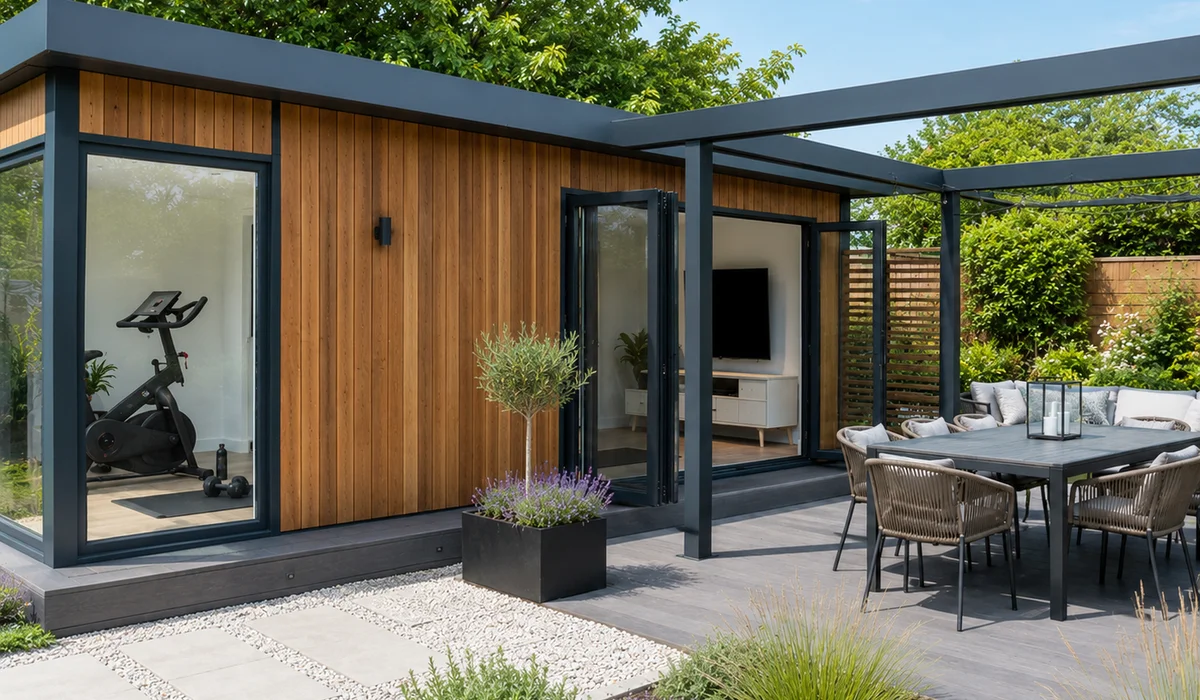
If digging a trench across a paved patio is impossible, you still have highly capable wireless alternatives. We often install high-spec outdoor access points like the Ubiquiti UniFi mesh nodes to bridge the gap. These units mount to the exterior cladding and broadcast a strong 5GHz signal back to the main house.
Weather can still affect wireless links during heavy British rainstorms, so physical cabling always wins out for serious professional use. Getting your garden office data cabling sorted early saves massive headaches later.
Broadband Options Compared
Understanding your choices helps you avoid investing in the wrong technology.
| Connection Type | Typical UK Speed | Reliability | Best Use Case |
|---|---|---|---|
| Cat6 / Cat7 Cable | 1Gbps to 10Gbps | Flawless | Full-time remote work and video calls |
| Outdoor Mesh Node | 300Mbps to 800Mbps | Good | Paved gardens where digging is blocked |
| 4G / 5G Hub | 50Mbps to 500Mbps | Variable | Rented properties or temporary setups |
| Standard Extender | Under 100Mbps | Poor | Occasional web browsing only |
A rough hierarchy of what you should request during your site survey:
- Best: Cat6 or Cat7 cable from the house router to a dedicated office wall socket.
- Good: A dedicated outdoor-rated mesh node mounted externally and hardwired back indoors if possible.
- Backup: A 4G or 5G broadband hub if your local mobile masts provide strong coverage.
Power: dedicated circuit, enough sockets, Part P
Garden office electrics involve far more than dragging a heavy-duty extension lead across the lawn. The law in England and Wales requires any permanent outdoor electrical installation to comply fully with Part P of the Building Regulations. We strictly follow these rules to ensure your workspace is both legal and completely safe from fire risks.
The foundation of a proper setup is a dedicated circuit running from your main house consumer unit. Electricians use Steel Wire Armoured cable, commonly 4mm or 6mm thick depending on the distance, buried securely underground to prevent accidental damage.
Inside the building, the setup should mirror a small modern home.
- A dedicated consumer unit: This small fuse box sits inside the office and contains its own RCD protection.
- Abundant sockets: You will need 6 to 10 double sockets for a standard layout. Place two at desk height for laptops, and distribute the rest for printers or chargers.
- Lighting circuits: Combine bright overhead LED panels with dimmable task lighting near the desk.
- Heating circuits: A typical 1000W electric panel heater needs its own supply calculation.
- Part P certification: Your registered electrician must sign off the completed installation and provide a formal certificate.
Planning for High-Power Devices
Power loads add up faster than most people expect. We advise clients to list every single device they plan to plug in before the electrician calculates the final cable size.
A standard laptop and monitor draw very little power. Adding a 2000W kettle, a compact fridge, or a laser printer completely changes the mathematical equation for your circuit load. Mentioning these items during your initial survey ensures the infrastructure supports your actual daily routine.
Soundproofing: enough is enough
You rarely need a professional recording studio specification for daily video calls. Standard garden office soundproofing requires a smart combination of dense structural insulation and soft internal materials to manage common neighbourhood noise. We find that most modern builds naturally block out lawnmowers and traffic if constructed with the right core materials.
The baseline for a quiet room starts inside the walls. Most quality suppliers use Structural Insulated Panels, which inherently offer a decent acoustic reduction around 30 decibels.
If you live next to a busy road, you can request an upgrade to a specialist dense mineral wool like Rockwool RWA45. This semi-rigid slab is specifically designed to absorb airborne sound frequencies within the wall cavity.
Killing the Internal Echo
Hard walls, hard laminate floors, and a solid timber desk create a terrible acoustic environment. Sound bounces around the room and makes your voice sound hollow on client pitches. We always tell clients to add immediate acoustic absorption using simple furnishings.
- Place a thick rug under your desk and chair to dampen floor reflections.
- Choose a fabric office chair rather than a rigid leather one.
- Hang a heavy fabric curtain over at least one window.
- Install dedicated acoustic panels or a soft pinboard near your monitor.
When to Upgrade Your Acoustics
This standard approach gets you to a perfectly acceptable audio quality for daily hybrid work. If you record professional podcasts, teach music, or hold highly confidential meetings, you will need a more advanced specification.
Upgrading to triple-glazed acoustic windows and a decoupled internal wall structure drastically reduces sound leakage. A decoupled wall uses resilient channels and specialised compounds like Green Glue to prevent sound vibrations from passing through the timber frame. These upgrades add significant cost, so only invest in them if your profession demands absolute silence.
The order to think about it in
Planning these utilities in the correct sequence prevents expensive rework later in the project. A logical workflow ensures your contractor digs the right trenches before the concrete foundations are poured.
- Connectivity first. You must decide between a physical cable and a wireless setup during the initial site survey. Routing a data cable requires planning the 450mm deep trench alongside your main power line.
- Power second. Map out the exact position of your desk before committing to a socket layout. Once the desk location is locked in, you can strategically place your heating, lighting, and power outlets around it.
- Acoustics third. Pick the right structural insulation level for your specific noise environment. You can then plan the decorative soft furnishings that will manage your internal acoustics.
We work through all three of these crucial steps at the survey stage for every garden office build. Getting the technical specification correct on paper means your fit-out works flawlessly from the very first day.
Ready to plan the fit-out?
Creating a professional workspace in your backyard requires careful attention to the hidden details. Sorting out your garden office broadband and power early guarantees a reliable, comfortable environment for years to come.
Our experts are ready to help you finalise the perfect specification.
The team will evaluate your property, discuss your daily internet usage, and design an electrical and acoustic setup that matches your exact needs. Call 01788 486017 or request a free quote. A quick conversation is all it takes to start building a workspace that actively supports your career.